
Batbrief
Your phone already wrote down what drained the battery. Batbrief reads it back to you.


What it looks like
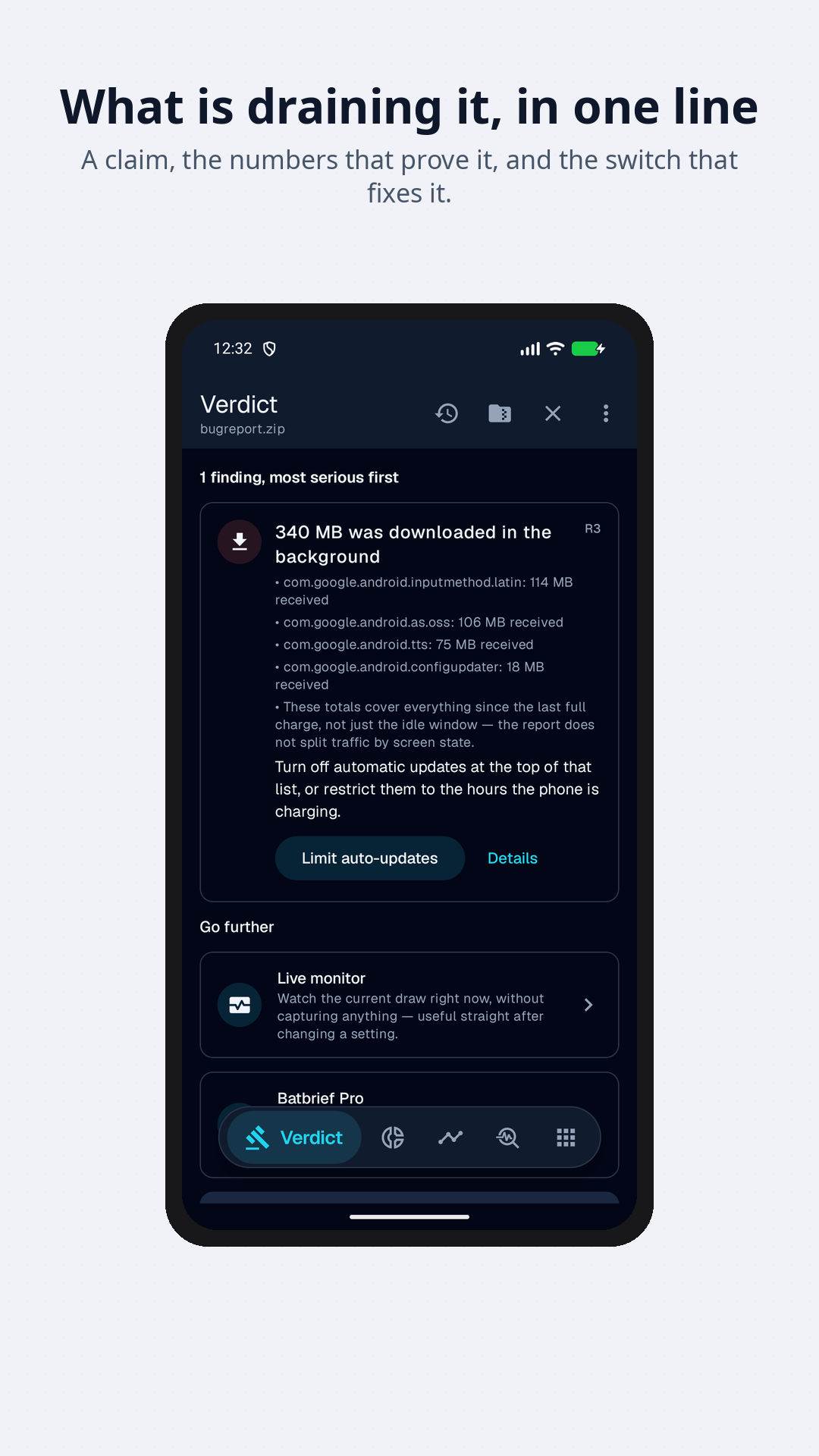
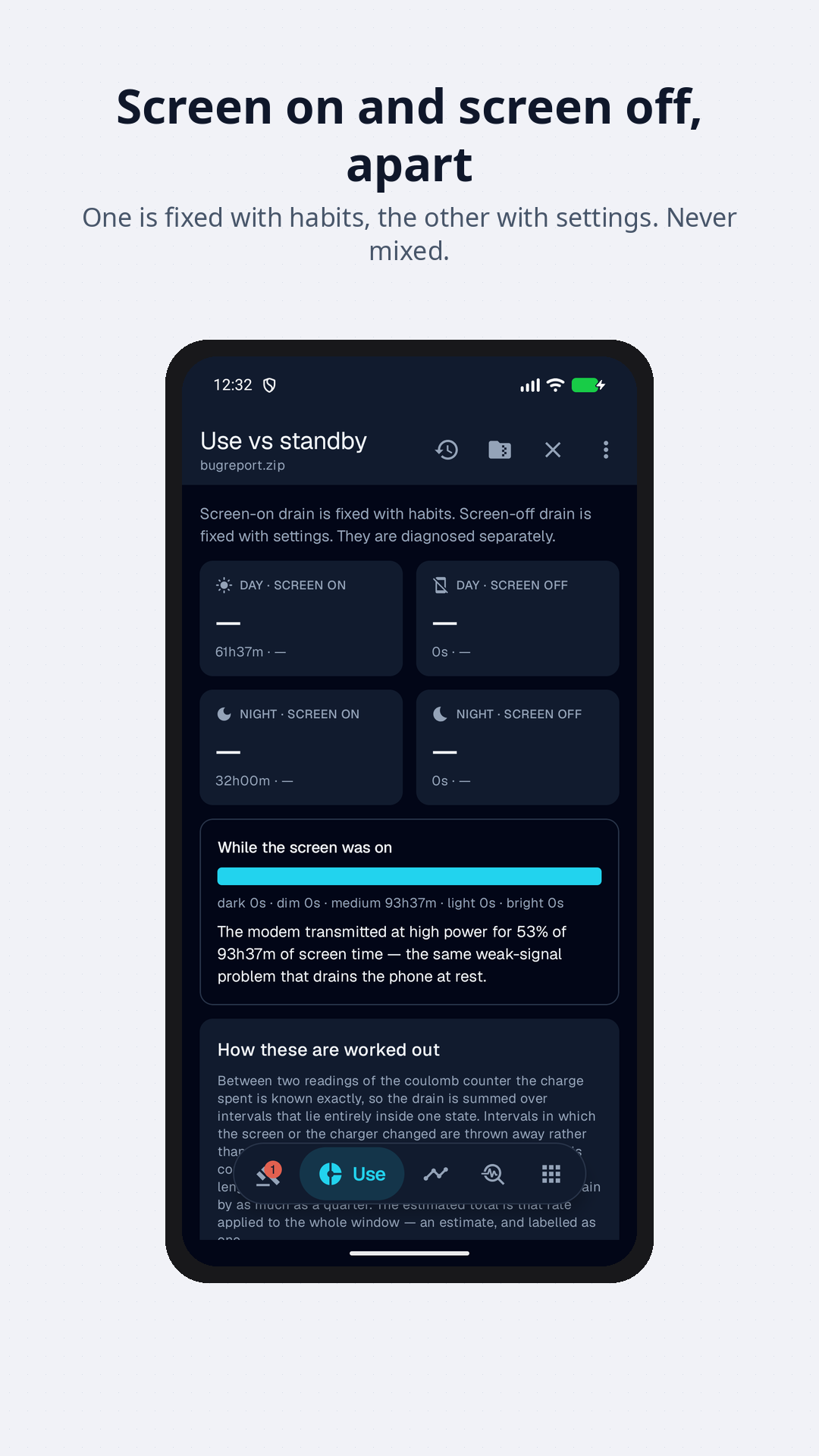
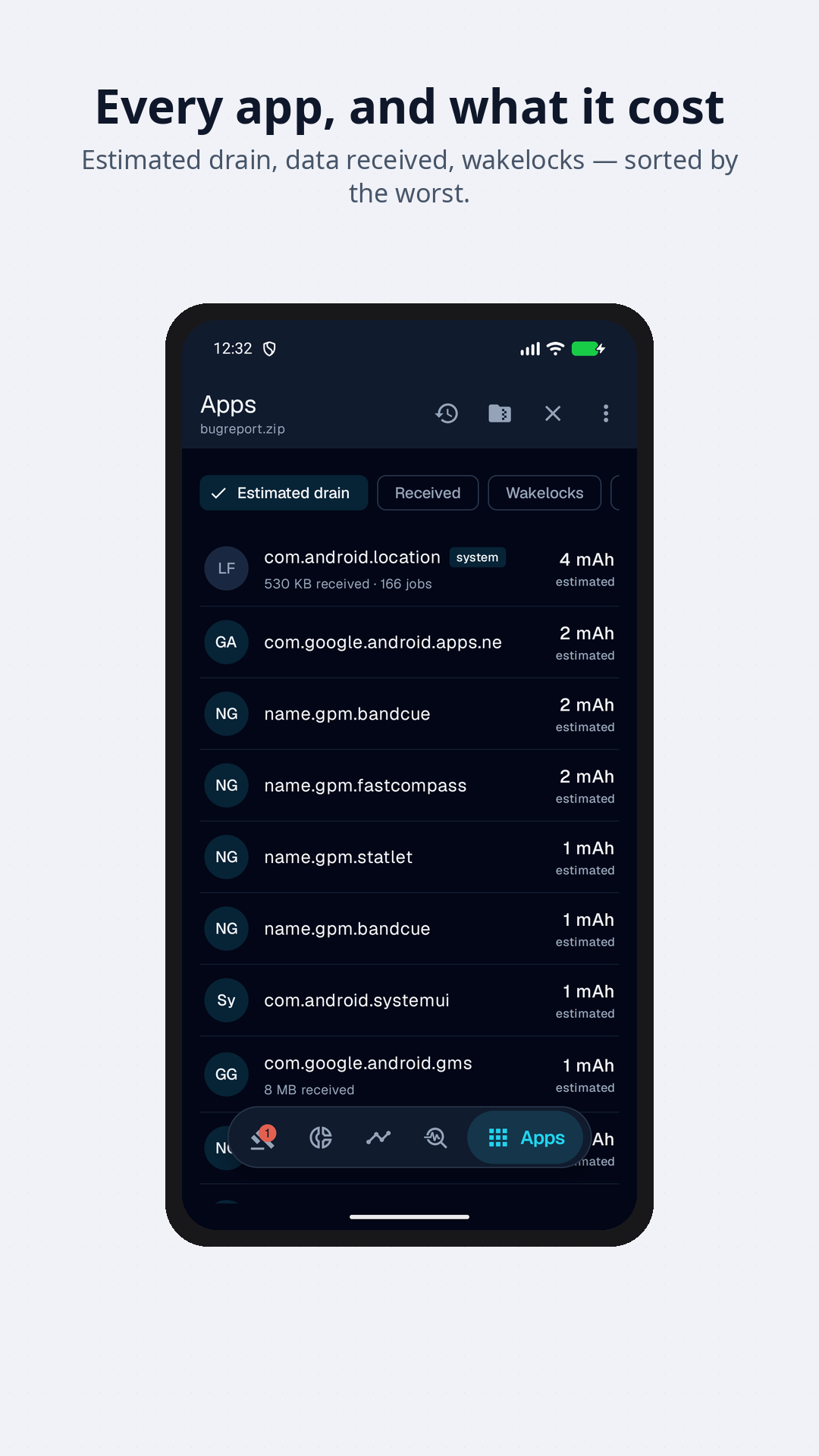
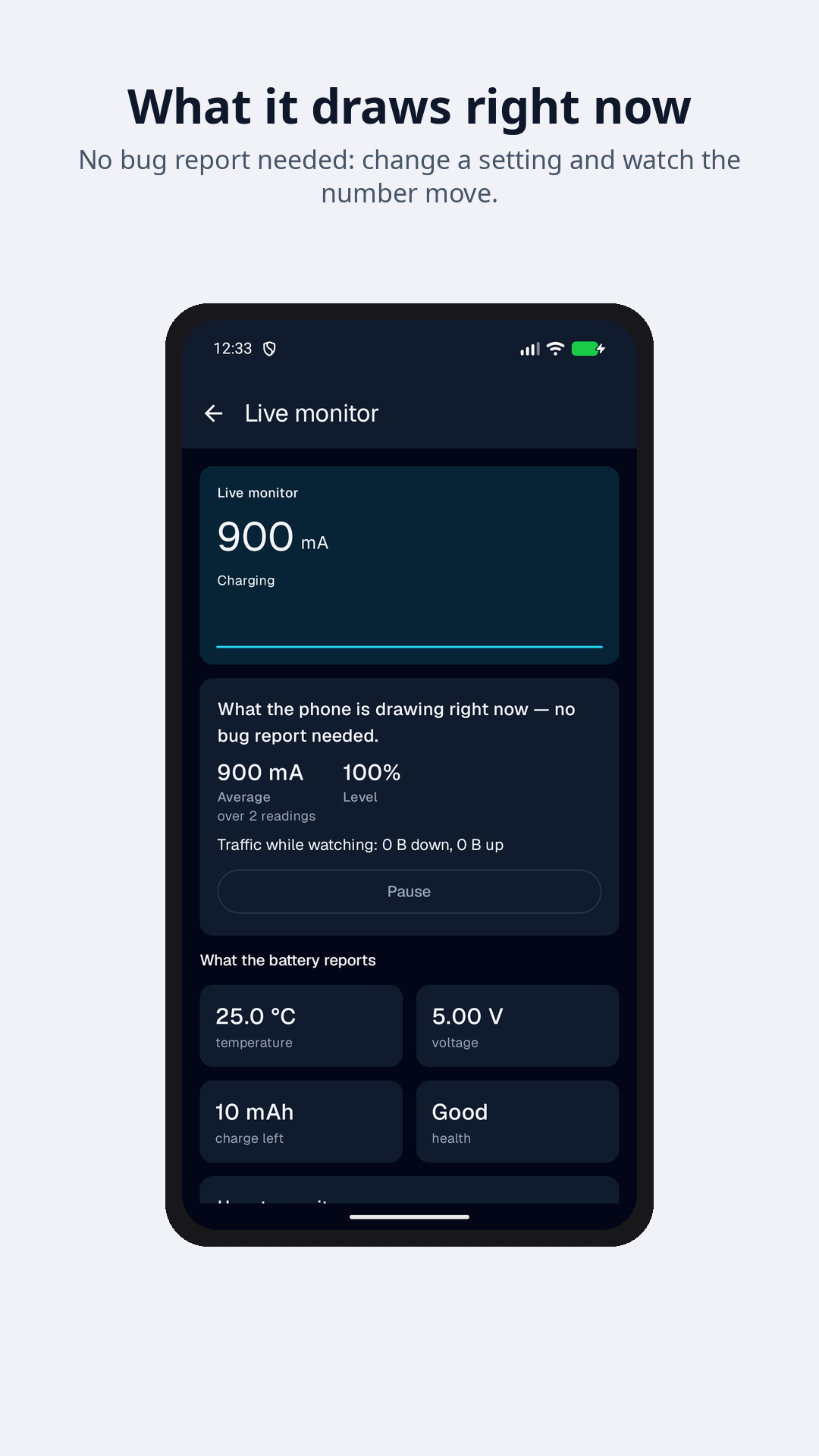
Android can produce a bug report: a complete record of what the phone did, minute by minute, including every time the battery level moved and why. It is the file developers ask for when something is wrong. Everything needed to explain a bad night is already in it.
The tools that read it show you charts. Batbrief gives you a verdict.
What it tells you
- How much went while you weren't using itThe one number that matters. Drain with the screen off is what settings can fix; drain with it on is a matter of habits. They are separate problems.
- Whether the cause is permanent or scheduledIdle drain that is the same by day and by night has a cause that runs around the clock. Much worse at night means something is scheduled. Much worse by day means using the phone sets it off.
- Whether the phone actually sleptAnd if it did not, whether an app held it awake or the hardware kept waking it — which decides whether restricting an app can help at all.
- What was downloaded while you sleptApp updaters are the usual answer, and they are usually a switch away from stopping.
- Whether the modem spent the night hunting for signalA radio with no network to find is the most expensive thing a phone can do, and it looks like nothing at all in the battery screen.
- How healthy your battery isWith Pro: its capacity measured on your own phone and set against the one it was built with, how fast it drains in use and at rest, and how long a charge lasts. From readings you turn on, kept on the phone.
- What the report can't tell youA truncated history, a missing coulomb counter, a power model the device itself does not agree with. Stated, not hidden.
Claim, proof, action
Every finding has three parts, and it is not shown unless it has all three:
- the claim — “the phone did not sleep for 62% of the night”;
- the proof — CPU awake 4h51m out of 7h49m, 22,150 wakeups from the Wi-Fi chip;
- the action — and a button that opens the exact system screen that changes it.
Without the proof it is a horoscope. Without the action it is a chart.
Measured, not modelled
Android’s own per-app battery estimates come from a model, and on many phones the model’s components add up to a fraction of what the battery actually lost. Batbrief reads the coulomb counter instead — the hardware register that says how many milliamp-hours are left — so the headline figures are measured rather than guessed.
Where a number is an estimate it says so, and where the device’s model disagrees with the charge actually lost, Batbrief tells you its per-app figures are not worth much on that phone rather than ranking your apps by them.
Honest about the limits. The battery history lives in a ring buffer that fills up and drops its oldest entries — a truncated history looks exactly like a quiet night, so Batbrief says when it is looking at one. Wakelocks are attributed to whoever took them first, because that is all the history records. And system components at the top of the app ranking are a symptom of what other apps are doing, not a culprit; they are labelled as such, because restricting them is a mistake worth preventing.
Privacy is the reason for half the design
A bug report is the most identifying file your phone can produce. It contains your Wi-Fi network names, your accounts, the text of your notifications and a complete list of your apps.
So the file never leaves your phone. It reaches the app through the standard Android share sheet, is unpacked into the app’s own private cache, analysed there, and deleted when you close it. Reports the app captures itself stay on the phone until you delete them, or until automatic deletion removes the oldest, and are left out of Android’s cloud backup.
That is a promise about the report. It is not a promise that the app never goes online. Both builds ask for announcements from the developer (which you can turn off), and let you send the developer a report or a message, and prove an email address, if you choose to. The build from Google Play also carries Firebase crash reports and usage statistics, which are on by default, asked about once after the first run and switchable at any time in Settings, and Google Play billing for Pro. The build from F-Droid contains no Google libraries and no billing. The Privacy Policy sets out exactly what each one sends and what each permission is for.
How to feed it a report
- In Settings → Developer options, tap Bug report and choose Full report. (No developer options? Settings → About phone → tap Build number seven times.)
- Wait a couple of minutes. A notification arrives when it is ready.
- Tap Share, and pick Batbrief.
From a computer, adb bugreport report.zip produces the same file. A plain
adb shell dumpsys batterystats dump works too, with fewer per-app figures in it —
and that one no other tool will read at all.
Get it
Batbrief requires Android 8.0 or later.
Add this repository in F-Droid, or as a source in Obtainium, which reads the same repository:
https://releases.android.apps.gpm.name/repo
On a phone that already has F-Droid, this link adds it in one tap, fingerprint included. Otherwise check it against:
C983 7356 6EEC 235E CEFB 7D29 A582 6367 4D80 B432 8699 2BCB 7ACB 3AA4 3CA3 C41E
Updates then arrive on their own, verified against the repository signature.
Pick one and stay with it. Google Play re-signs the app with its own key, so Android treats the Play build and this one as two different apps that happen to share a name. Moving from one to the other means uninstalling first.
- Changelog — what changed in each release
- Source code
- Privacy Policy · Terms of Service